


01
Marketing captures the enquiry
A connected campaign or website form creates the lead.


Let AI handle routine calls, connect new leads faster, and give every team a better way to work together.
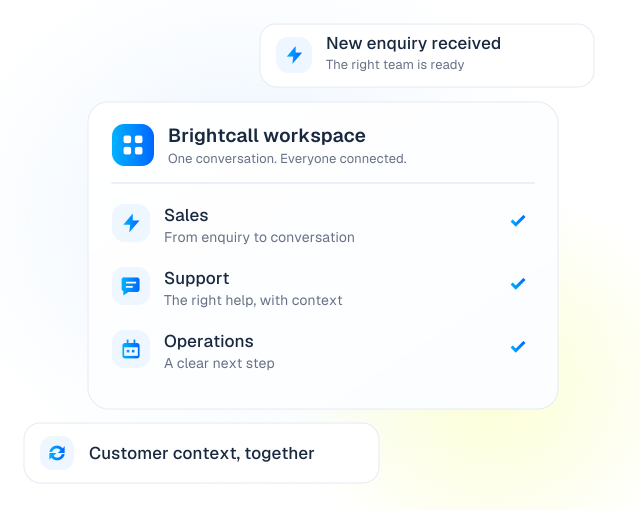
Find the workflows that fit your role. Start with one product, or connect AI and human calling across your customer journey.
Connect with new enquiries while interest is fresh, let AI handle initial qualification, and give your salespeople a better way to work through their call lists.
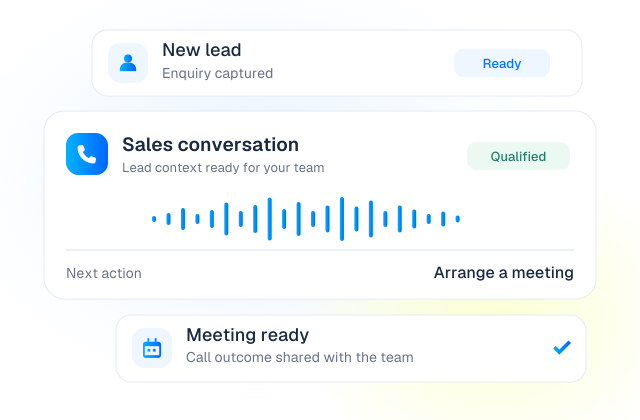
Bring the handoff between marketing and sales closer together. Trigger follow-up from connected forms, campaigns and lead sources instead of leaving new enquiries waiting.
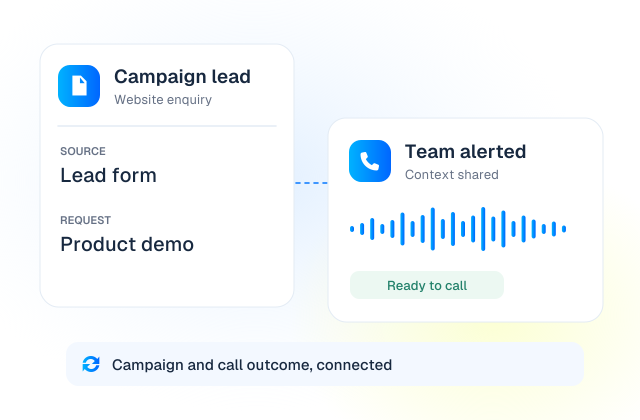
Use a Voice AI Agent for first-line enquiries and after-hours coverage, with a contact center for the conversations that need your support team.
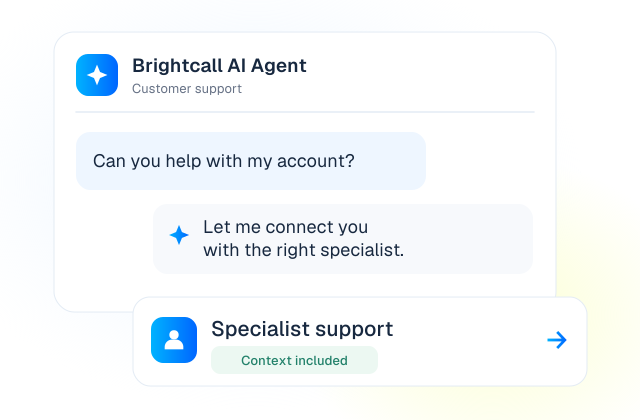
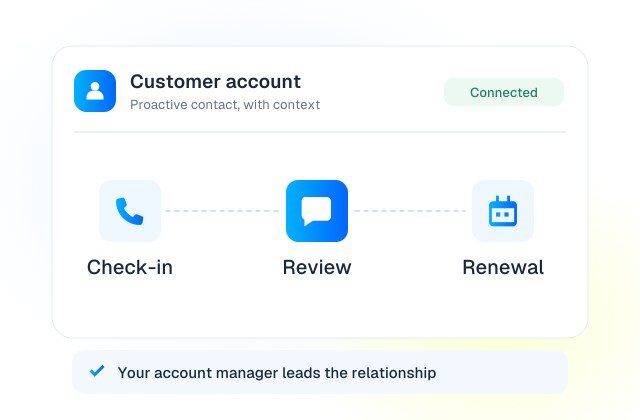
Stay in touch beyond the first sale. Automate routine check-ins and reminders, while account managers lead reviews, renewals and relationship-building conversations.
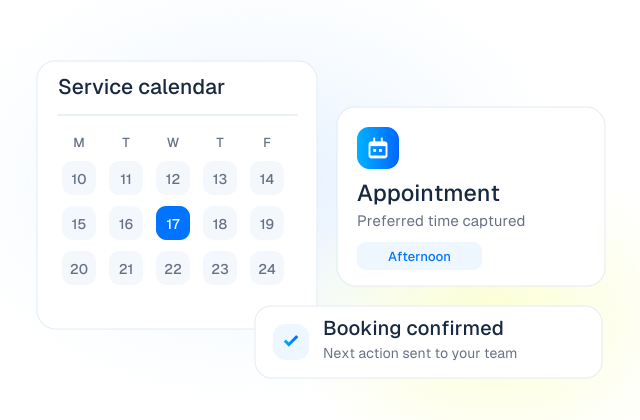
Handle appointment requests, service enquiries and confirmations without asking your team to repeat the same conversation all day.
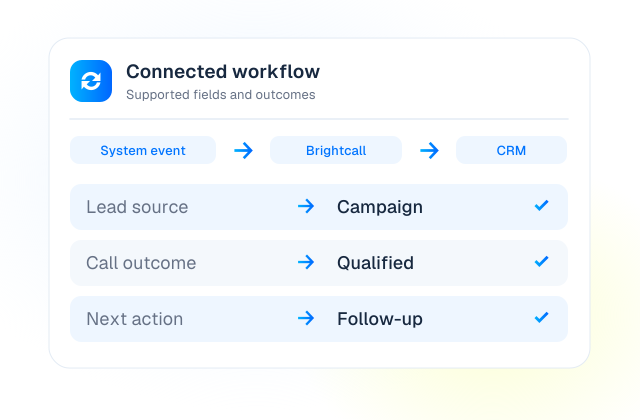
Bring lead routing, customer context and call outcomes into a consistent process. Connect Brightcall to the tools your business already uses.
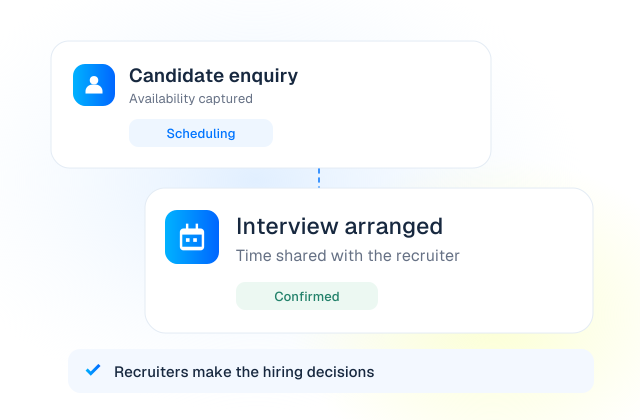
Use structured phone conversations to collect basic information, arrange interviews and keep candidates informed, while recruiters make hiring decisions.
Make routine payment communication easier. Use AI for approved reminder calls and route billing questions or disputes to your team.
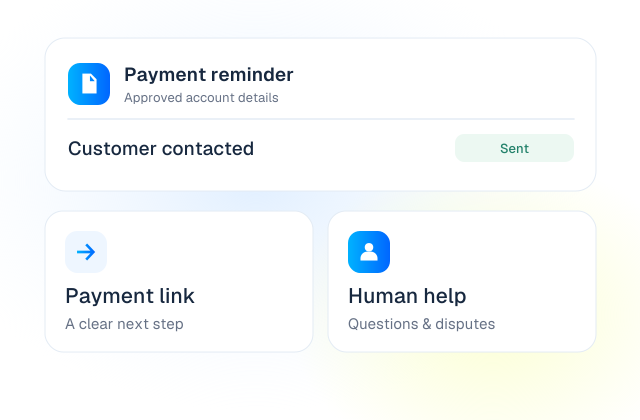
Illustrative workflows. Available actions depend on your product, plan, region and connected systems.
A lead should not lose context when it moves from marketing to sales, or from AI to a person. Build a clear handoff and keep the next action connected to the customer record.
A connected campaign or website form creates the lead.
Speed to Lead rings the team and shares the lead context.
AI or a person arranges the meeting or service.
Supported call details and outcomes flow back to the CRM.
Clear ownership. Useful context. A defined next step.
Explore connected workflowsNot every conversation should be automated. Choose the right product for the role you need it to play.
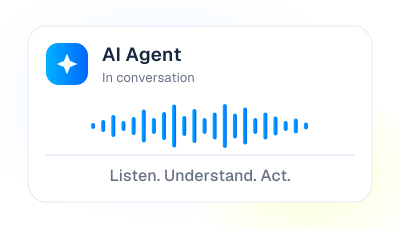
Let AI make and receive calls, qualify enquiries, answer approved questions and arrange the next step.
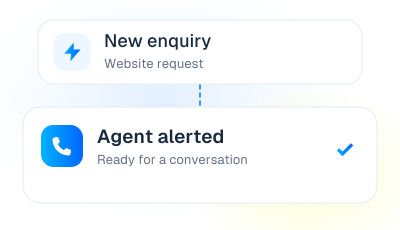
Trigger a callback as a lead arrives, alert your agents and connect the customer with a prepared person.
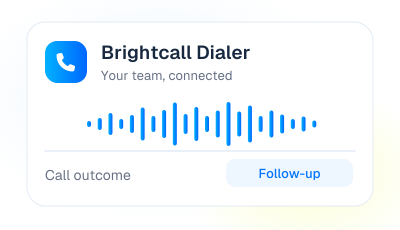
Give your people a contact center for inbound and outbound calling, from their desk or on the move.
Start with one product. Combine them where it makes sense for your workflow.









Koppla kontakter, kunskap, kalendrar och samtalsresultat till verktygen ditt team använder. Driv nästa steg framåt utan att tappa samtalets sammanhang.
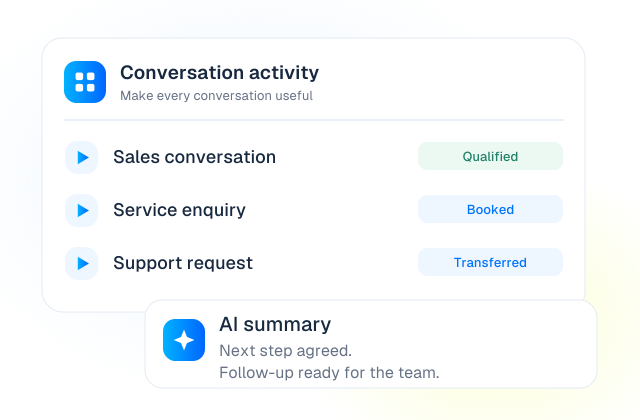
Review call activity, recordings and outcomes in Brightcall. With optional AI Intelligence, add supported transcripts, summaries and automatic tags to make follow-up and quality review easier.
AI Intelligence is an add-on. Features vary by plan, language and configuration.
Your team brings the process. We help configure the calling workflow around it.
Choose the call to improve and the next step it should create.
Set up knowledge, scripts, lead sources, calendars and CRM actions.
Review language, edge cases, routing and requests for human help.
Start with a clear workflow, review outcomes and expand from there.
ISO/IEC 27001:2022-certified ISMS. Ask about data protection, access and deployment requirements.
Have a specific workflow or integration in mind? Talk it through with the Brightcall team.

No. Start with the product that fits your workflow: AI Agent for automated conversations, Speed to Lead for rapid callbacks to your team, or Dialer for human-led calling. Your setup can combine products where useful.
Yes. Define which calls AI should handle, when it should transfer to a person, and what happens when nobody is available. Call routing and the context available at handoff depend on your configuration.
Brightcall supports CRM-connected workflows and, where supported, an embedded calling interface. Available fields, triggers and write-back actions vary. An API or custom integration can be scoped when there is no suitable existing connector.
The Dialer is available for desktop and mobile, with CRM-embedded calling for supported integrations. We will confirm the features available on each client for your team.
Start with one clear problem: new leads waiting for a call, repetitive inbound questions, appointment coordination or manual outbound dialing. Define the desired outcome, connected systems and handoff rules, then test the workflow before expanding.
Ge ditt team mer tid för samtalen som gör skillnad.
BOKA EN DEMOEn demo anpassad efter ditt team.